Videos
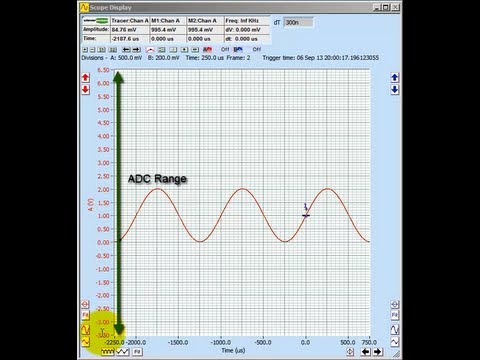
Watch Cleverscope video tutorials — learn how to
use the CS548 for measurement, analysis and debugging.
BNC Fixture Calibration
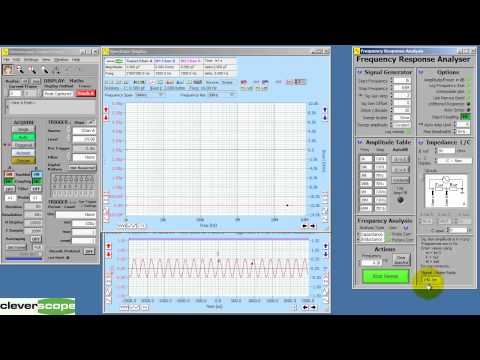
The FRA BNC Fixture calibration procedure corrects for amplitude, gain and phase errors introduced by a test fixture.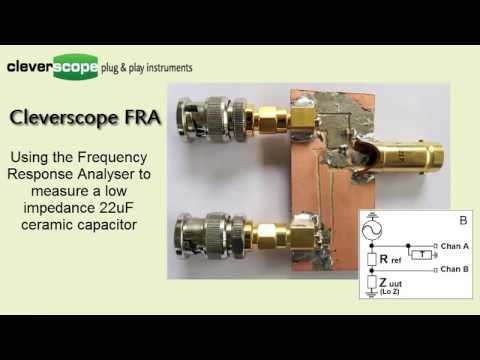
Measuring low impedance ceramic capacitors
We use the Cleverscope FRA system and hand made jig to measure the impedance/frequency curve for a low impedance 22uF ceramic capacitor. We examine it's application in power supply filtering.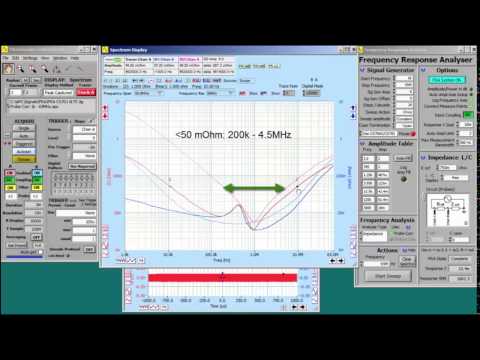
Measuring a composite capacitive impedance
Following on from the measurement of the 22uF capacitor, we add a Wurth 330uF polymer electrolytic capacitor in parallel, and look at the resulting Impedance and Resr.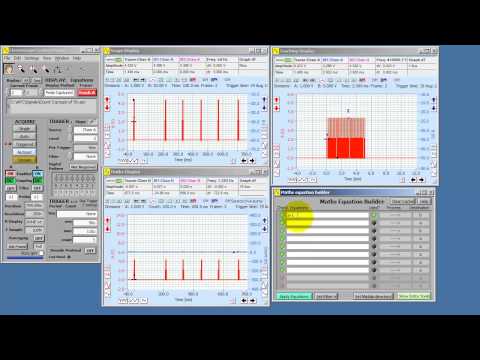
Maths Event Counting
How to count events using a Cleverscope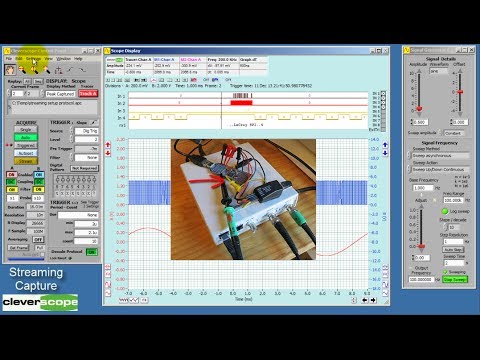
Long duration (10 hour or 38 G Sample streaming)
This streaming capture shows streaming for 10 hours, live protocol decoding, spectrum analysis, zooming, tracking graph usage, all while capturing at 1 MSPS for over 38 G Samples.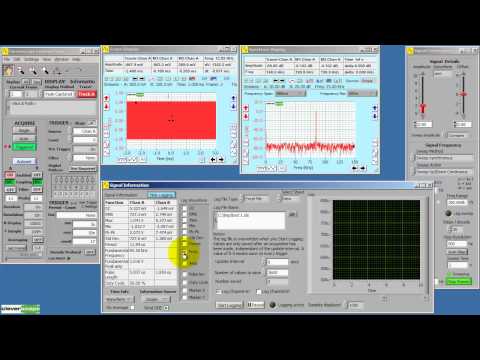
Capability Tour
A quick tour of many Cleverscope features, including Frequency Response, Maths, Streaming to disk, Matlab / Excel and Word connectivity, Protocol decoding, Repetitive capture and much more. > Read more

Impedance Measurement Tour
The Cleverscope FRA package allows you to measure all manner of impedances Here we show how you do this. > Read more

Live export to Excel
You can use the old fashioned DDE to export values from Signal information to an Excel Spreadsheet. This can be very useful when doing further analysis, or creating live bar charts and the like. Also you can send Information Information values to a spread sheet in real time - very useful for logging derived value changes (eg the energy used by a cell phone over time). > Read more
Live export to Matlab
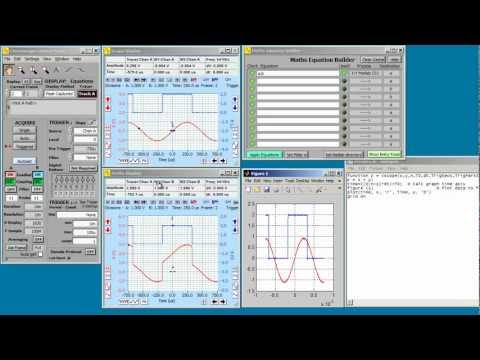
If you wish to use Matlab to do further signal processing the Cleverscope Maths module includes live export of processed signals, and display of the returned processed signal. This video shows you how. > Read more

Matlab Spectrogram display
This is another example of using Matlab, this time to extend the capability of Cleverscope by displaying a live Spectrogram of the input signal. The example includes defining a filter to pre-filter the signal, and then sending the results to Matlab. > Read more